Get started with SiteDash
Install the SiteDash Client once per site and we start monitoring automatically.
- One month free, full access
- No payment method to start
- Built for MODX agencies
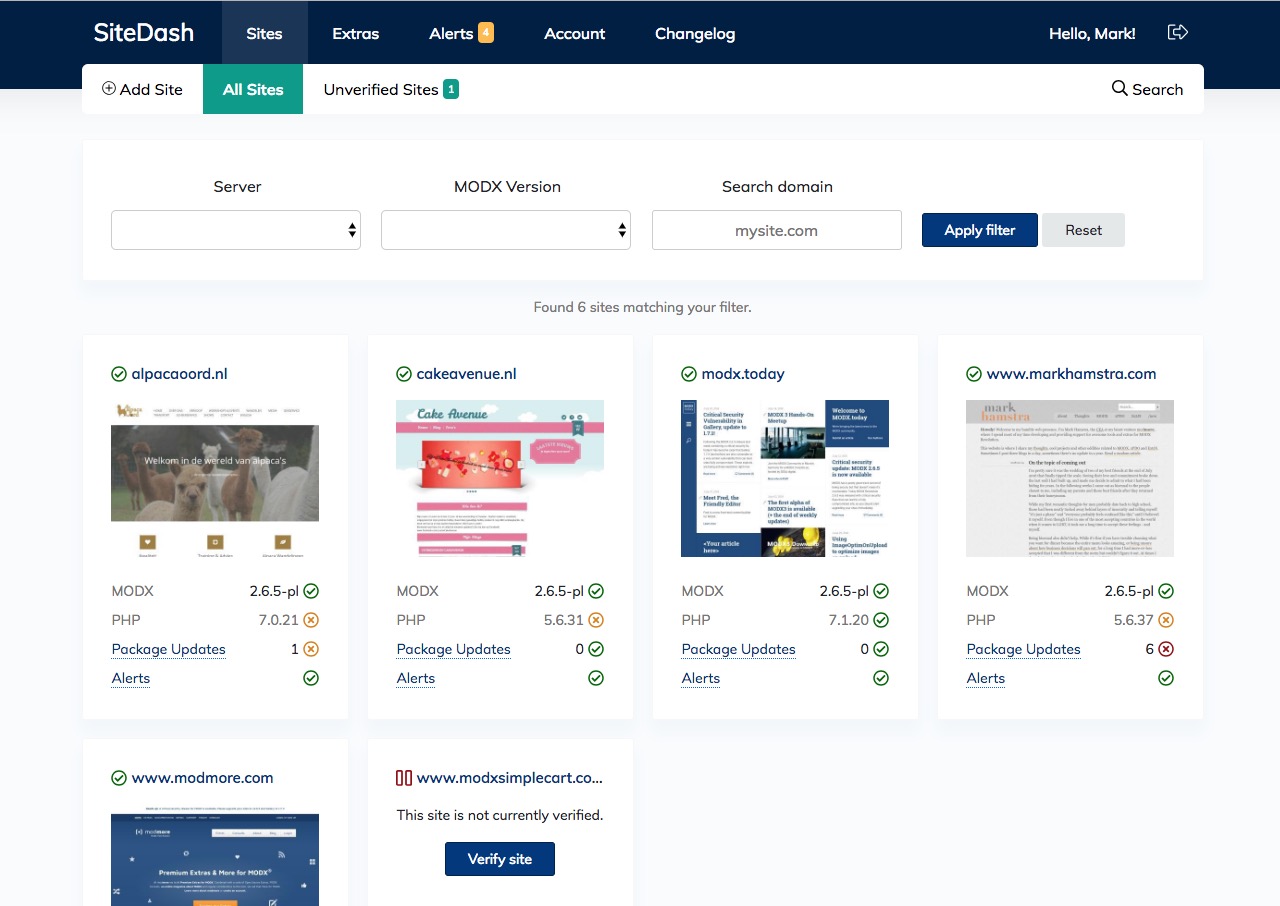
SiteDash works on shared hosting, VPS, dedicated servers, MODX Cloud, modhost.pro, and more. It communicates over HTTPS, so SSH is not required.
Create site
Add the URL in the dashboard and generate a Site Key.
Install Client
Install SiteDash Client from the MODX package manager and paste the key.
Done
After verification we refresh, analyse, and monitor automatically.
Some functionality, including remote backups and core upgrades, requires server capabilities that shared or cloud hosts disable by default for security reasons. On servers with cPanel or DirectAdmin, you can often enable the needed features. MODX Cloud is a notable exception: while you can connect SiteDash, remote backups and core upgrades are not supported and you need to use the MODX Cloud dashboard.
Secure by design
Verification creates a key pair. SiteDash signs requests; your site verifies before executing commands. How request signing works. HTTPS is strongly recommended.
Learn more about: Monitoring · Security · Remote management · Request signing · Action Center · All features
Try SiteDash with a free one-month trial, with all features and no payment method required to get started.